
What is an Organization?
An organization contains your billing information and links all of your facilities. All facilities need to be linked to an organization.
How to create a new Organization.
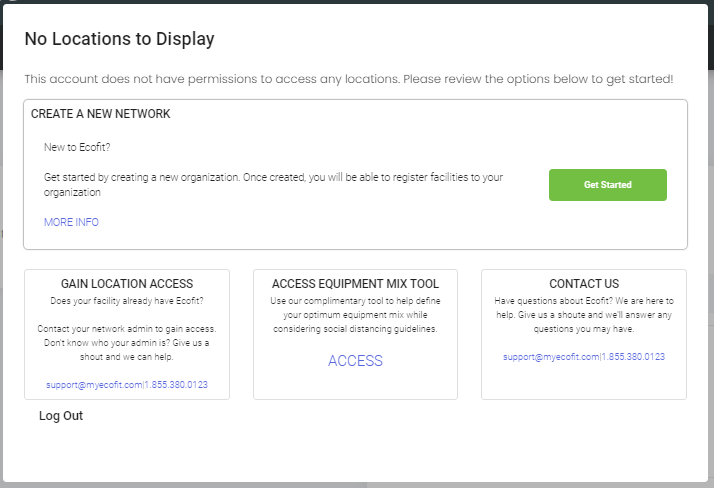
Create a new Organization by selecting the "Get Started" button.
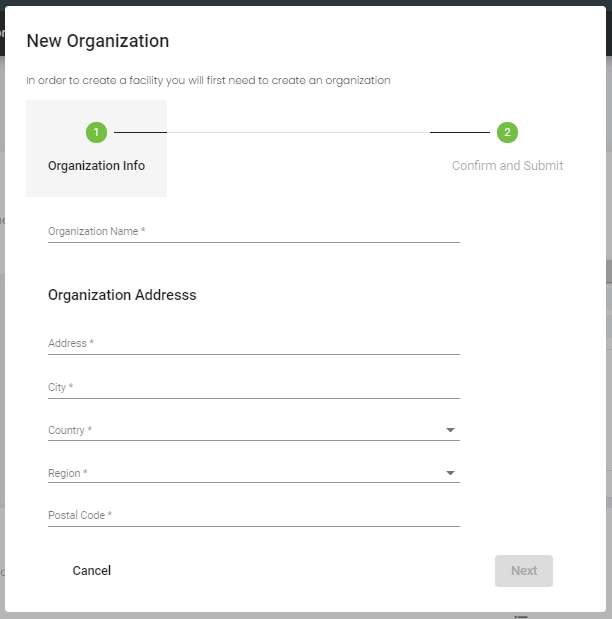
Complete the new organization form and select "confirm".
Your 3 month (90 Day) trial will begin once you create your first facility. During this trial you can create unlimited locations and equipment entries. Upgrading equipment to Connected can be completed at any time at additional cost.
Creating Additional Organizations
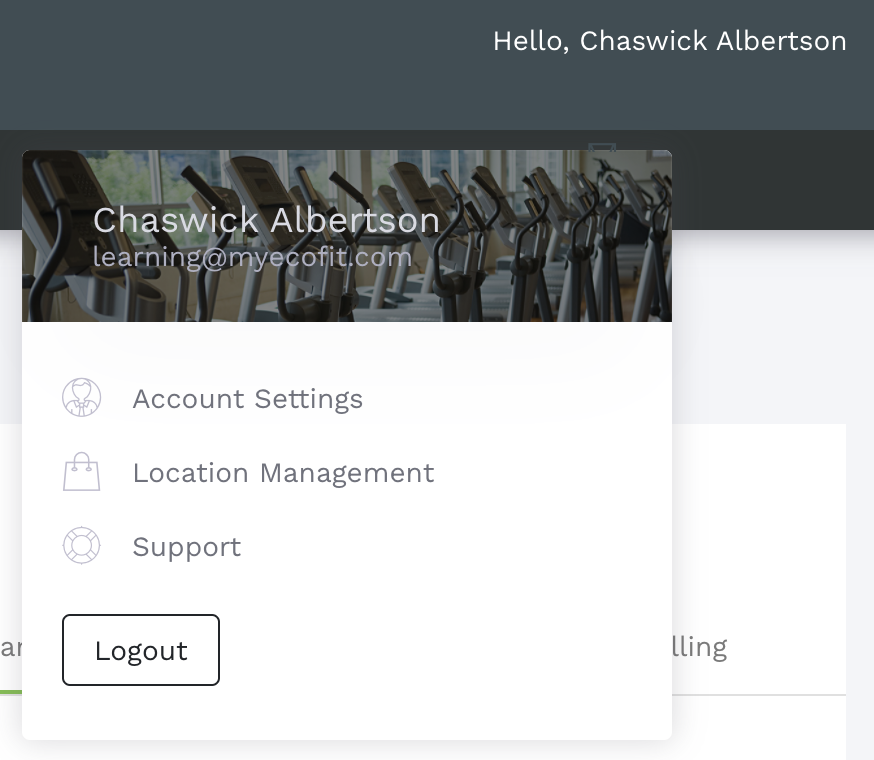
You are able to create an unlimited amount of Organizations. To create another organization open the User Menu and Select "Location Management".
Once on the Location Management Page, select the "Organizations" tab.
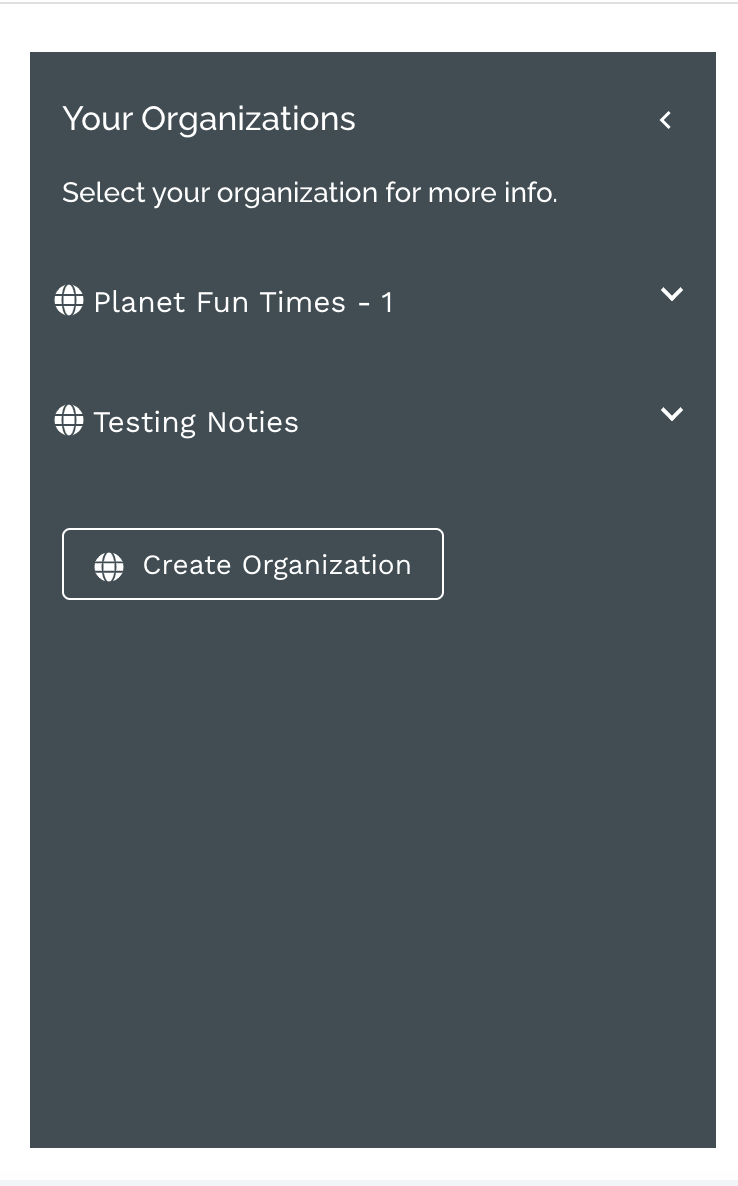
The left hand bar will show your available organizations. On the bottom of this list, select "Create Organization".
My company has already created an organization through Ecofit.
Contact your system administrator to be granted access to your organization.
Comments
0 comments
Please sign in to leave a comment.