
As a user with full Organization permissions you are able to create Sub Organization.
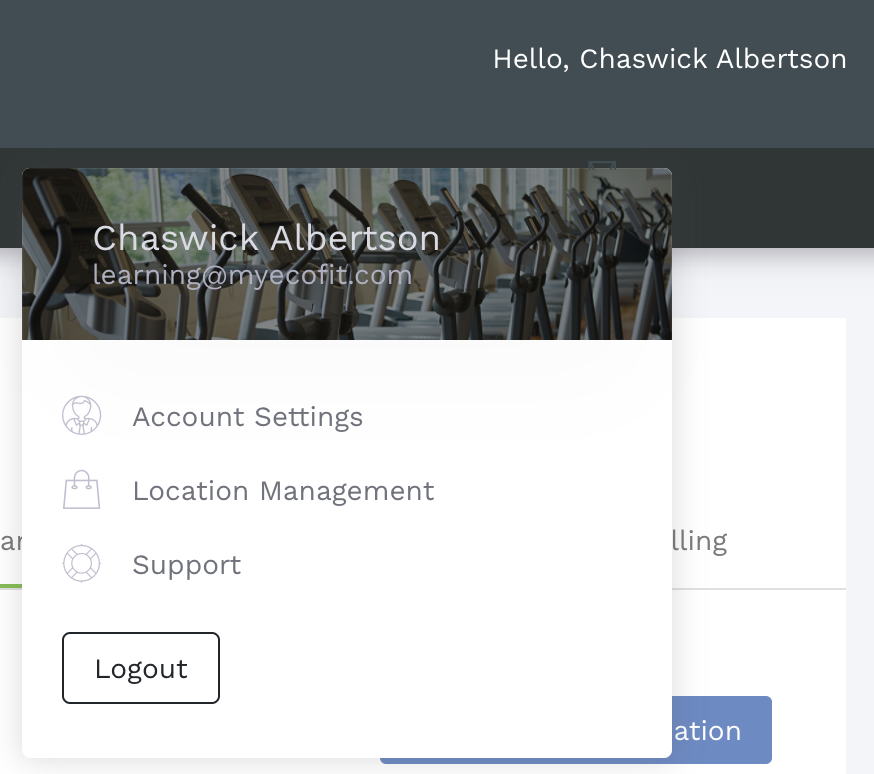
1. Access the Location Management page from the User Menu and navigate to the Organization tab.

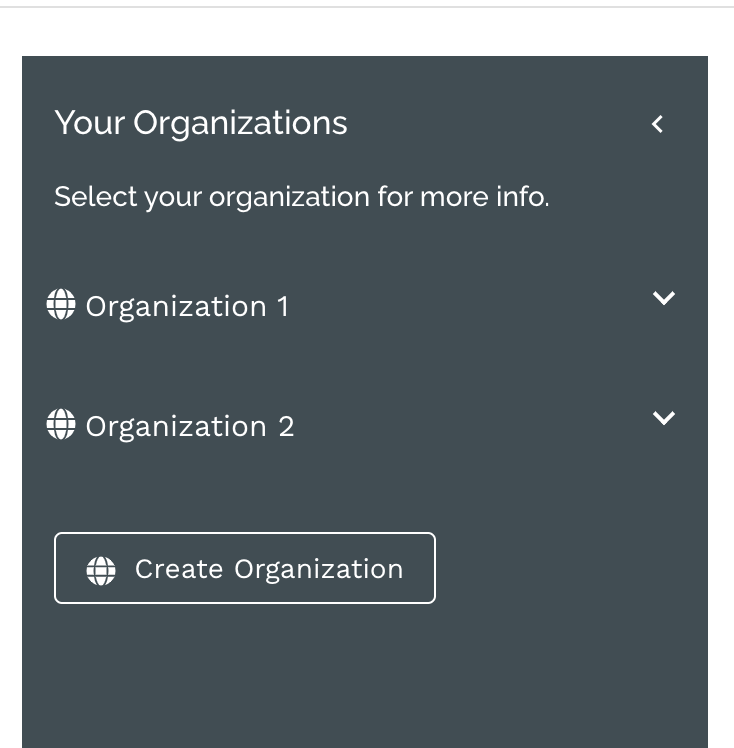
2. Select the Organization which you want to add a Sub Organization to.
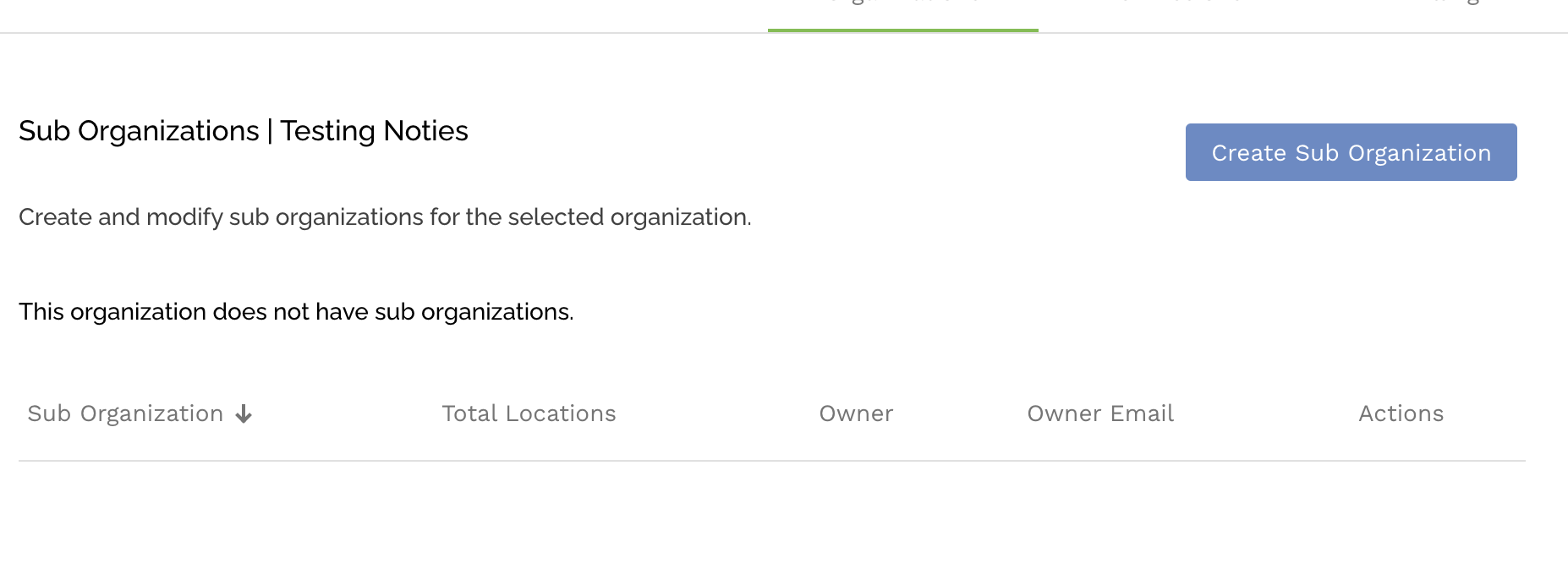
3. Select the Create Sub Organization button
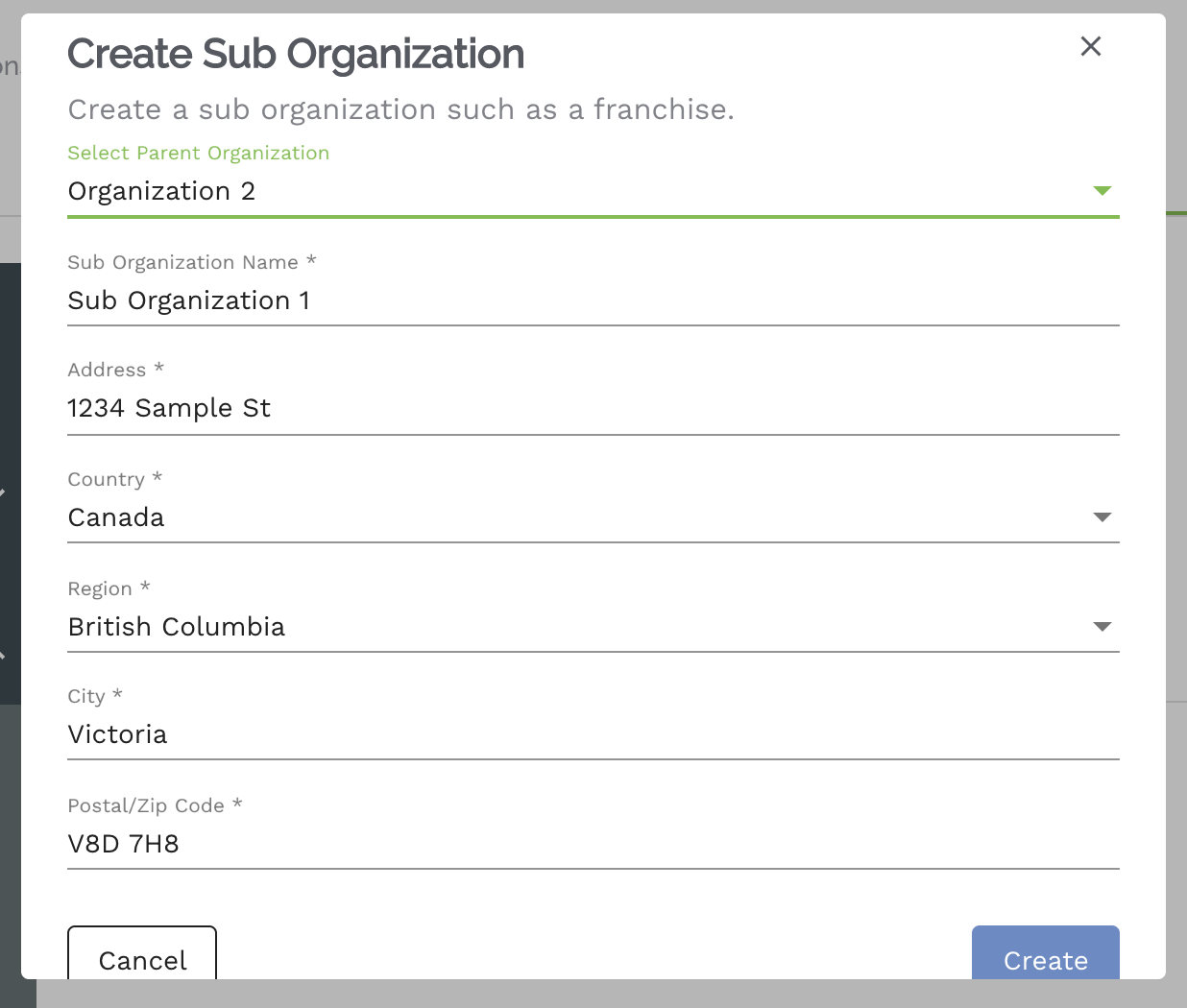
4. Enter the Sub Organization info and select Create.
NOTE: This is not a facility address, this just captures information about the Sub Organization itself.
5. The new Sub Organization will now appear in the Sub Organization List to the right of the selected organization.

Comments
0 comments
Please sign in to leave a comment.