
Once a Sub Organization has been created it will, by default, not have an assigned owner.
How To Invite An Owner
1. Navigate to the desired Sub Organization in the Organizations tab on the Location Management Page.
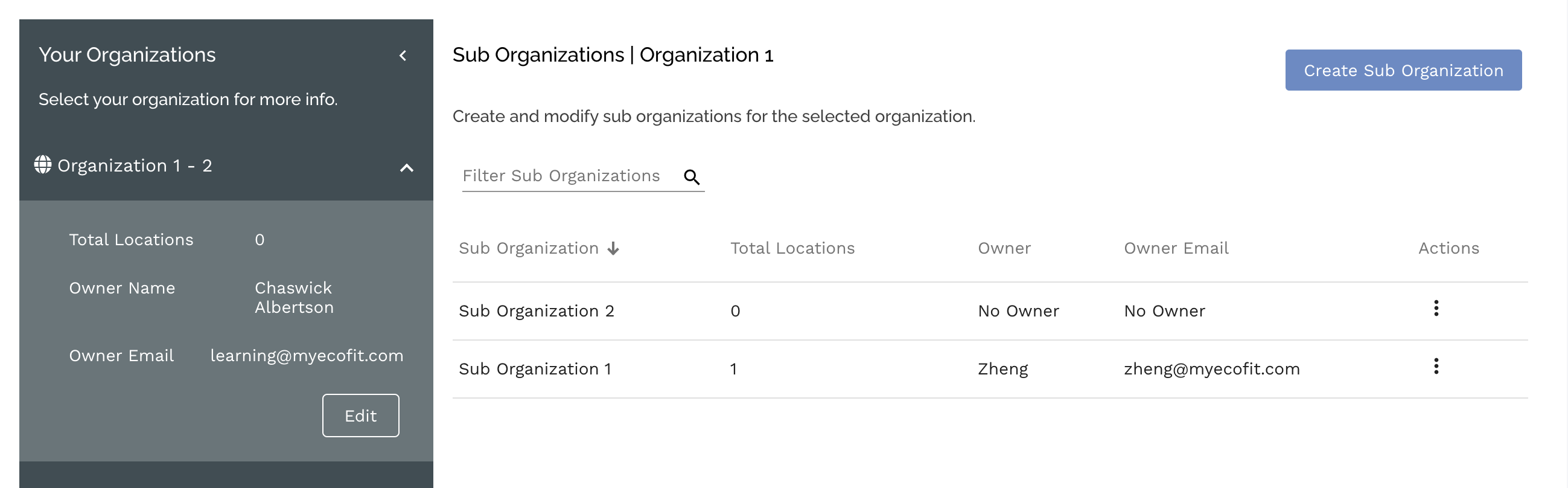
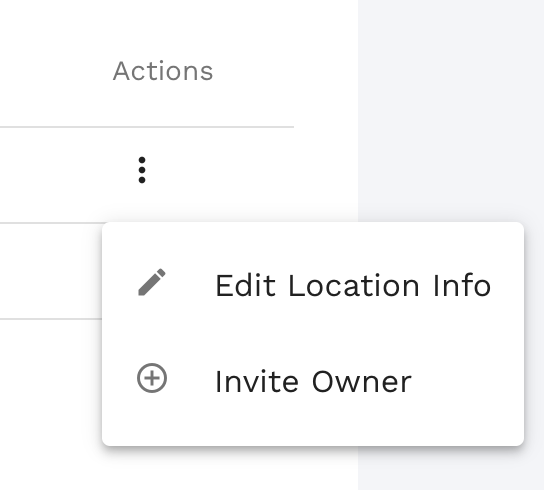
2. Open the Actions of the desired Sub Organization by selecting the vertical ellipsis and select "Invite Owner"
3. Enter the email address of the user you want to invite as the owner. If the user does not have an account with Ecofit and invitation will be sent to them to create an account.
4. Once the user is invited a new filter will automatically be created. This filter can be edited to limit feature access if required.
Comments
0 comments
Please sign in to leave a comment.